OLAX M100 WiFi 6 10000mah 5G Pocket Router in Bangladesh
Get The OLAX M100 WiFi 6 10000mah 5G Pocket Router in Bangladesh at pikhub.xyz. Enjoy top quality and unbeatable prices with the best customer service in Bangladesh
Key features :
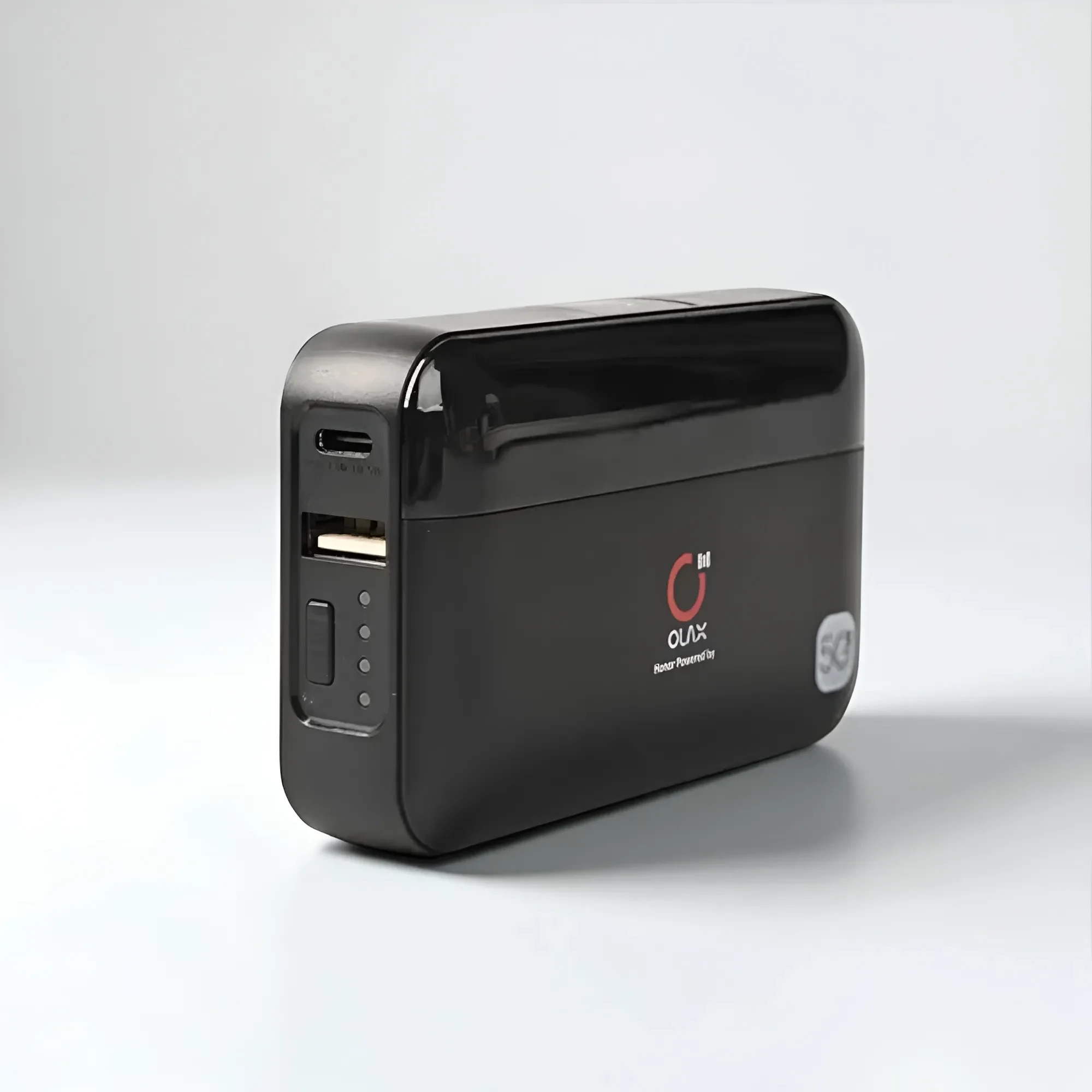
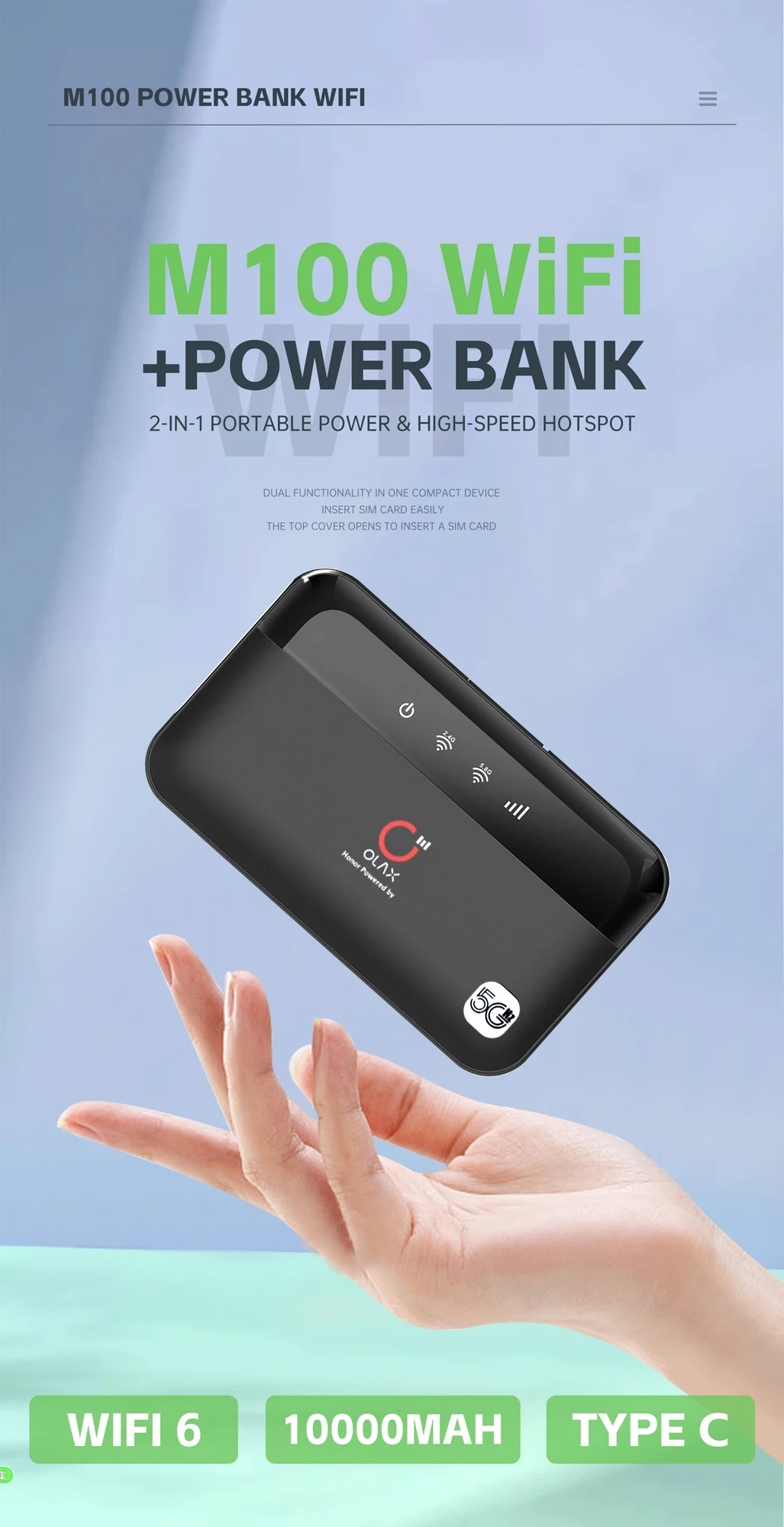
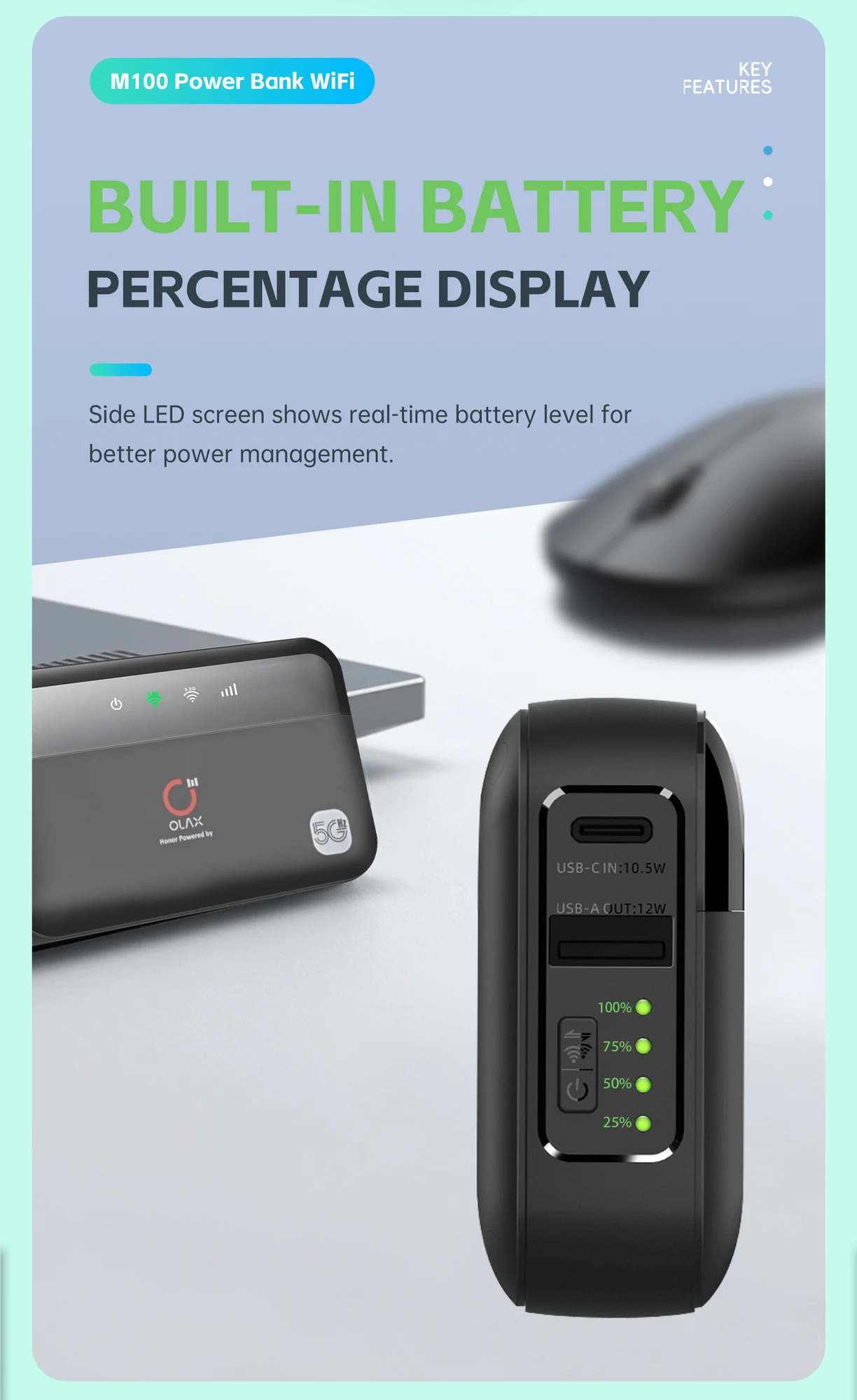
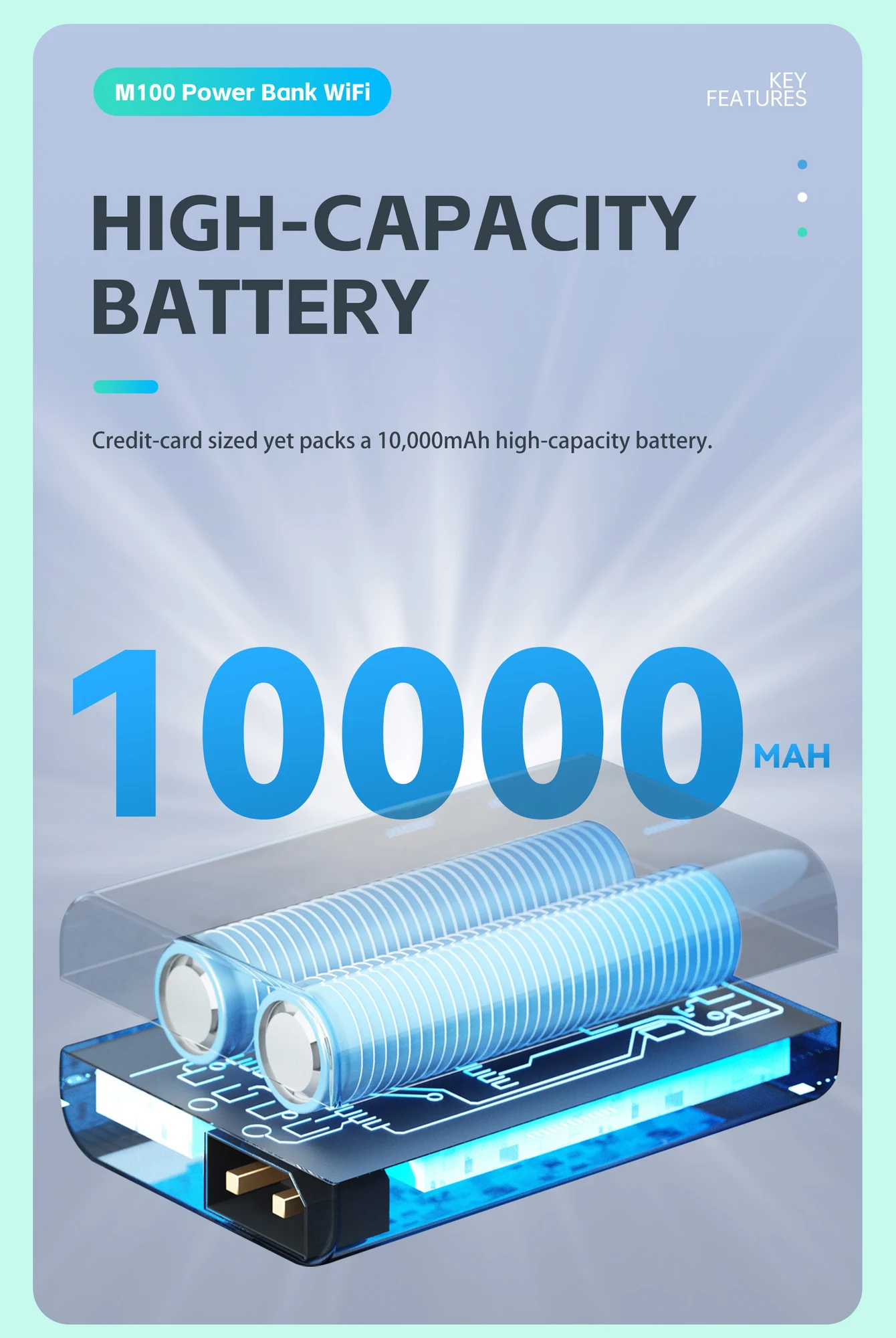
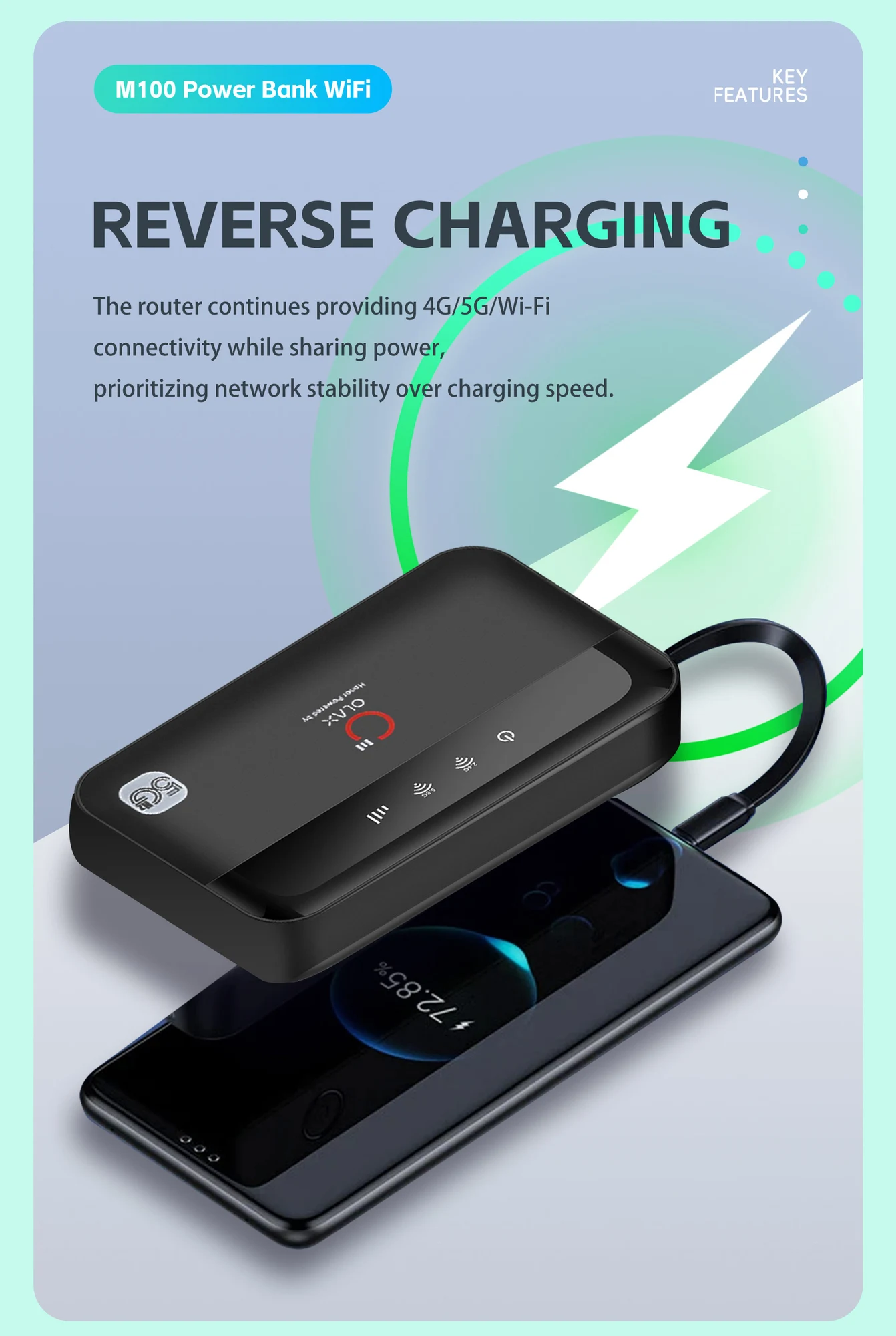
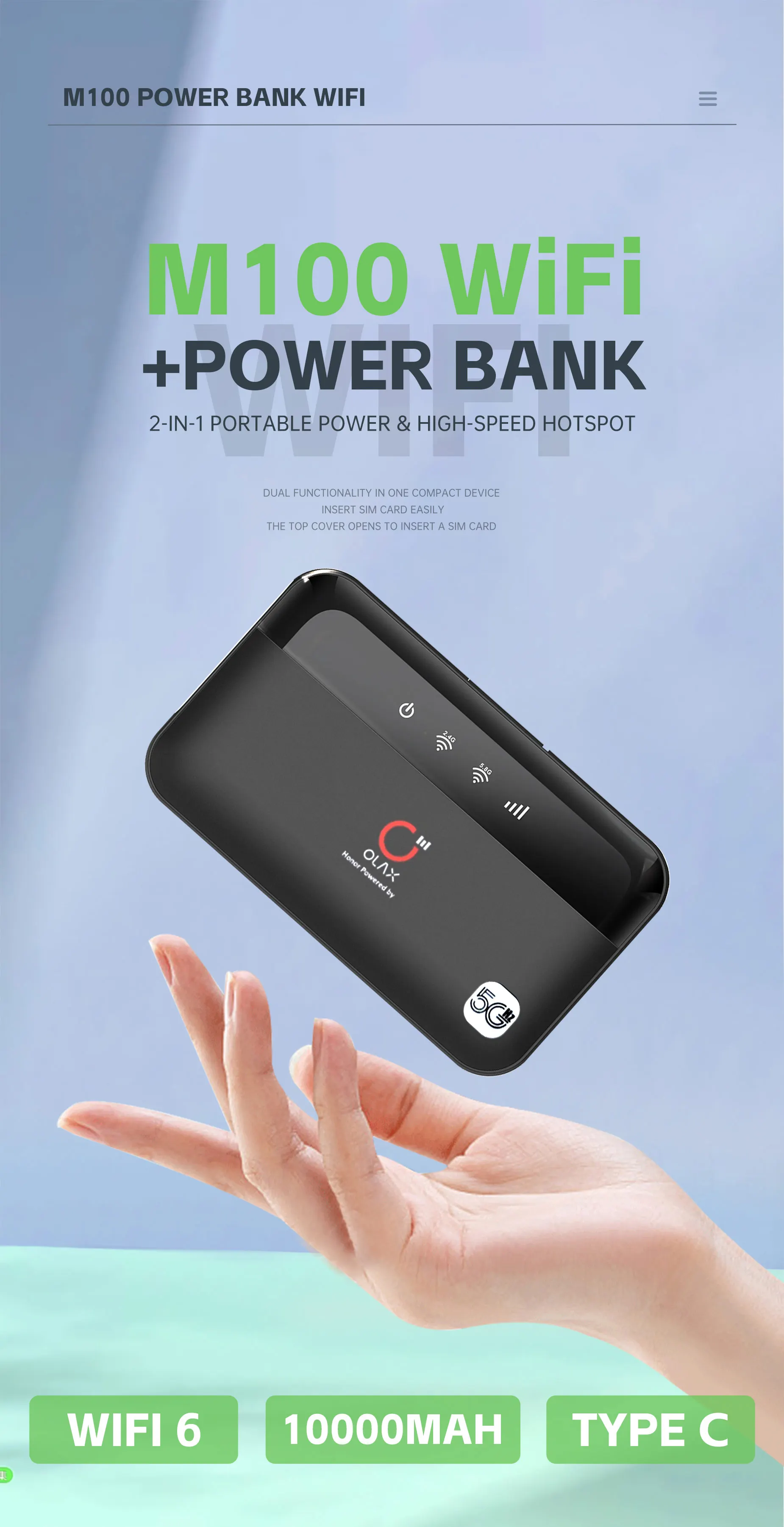
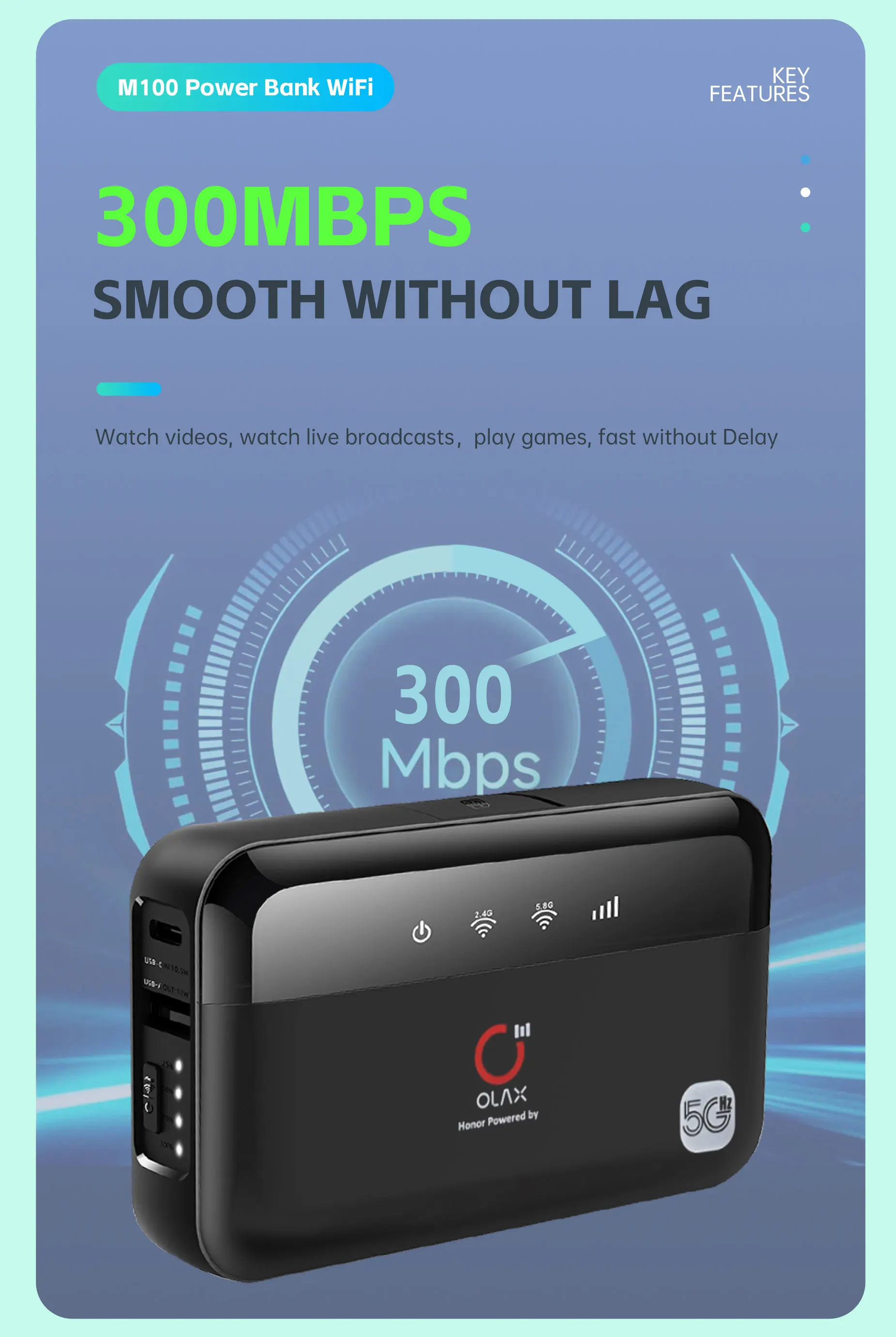
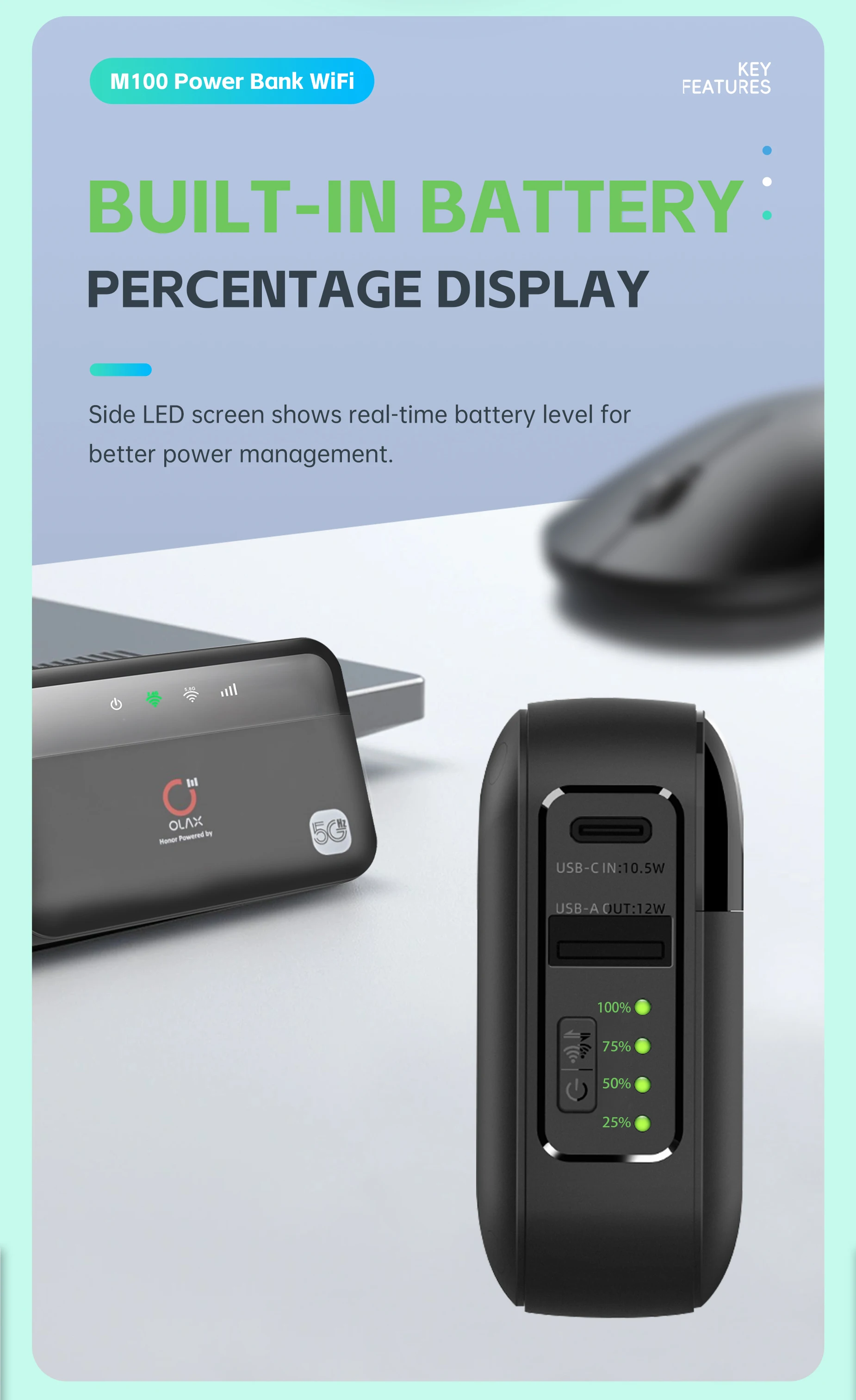
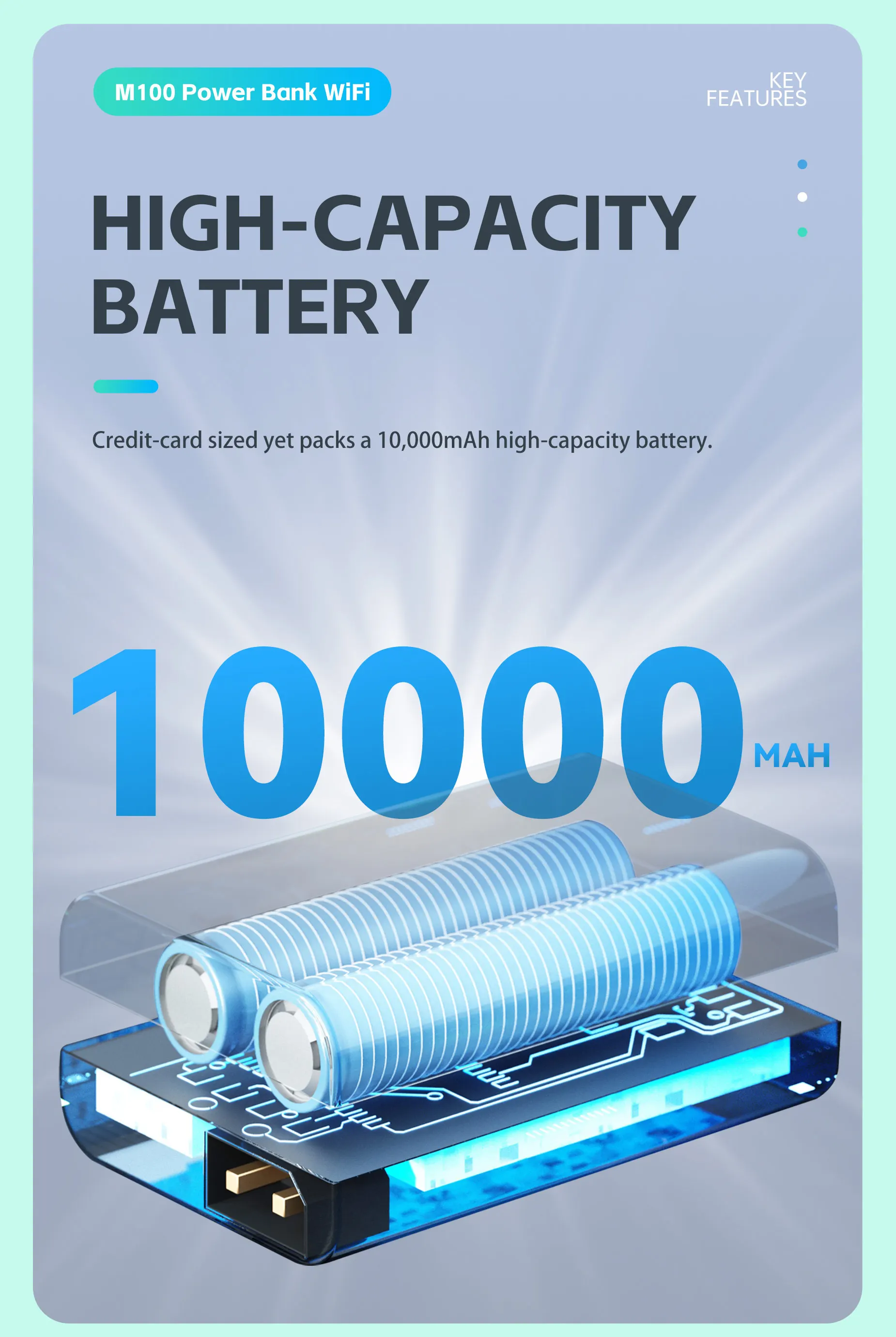
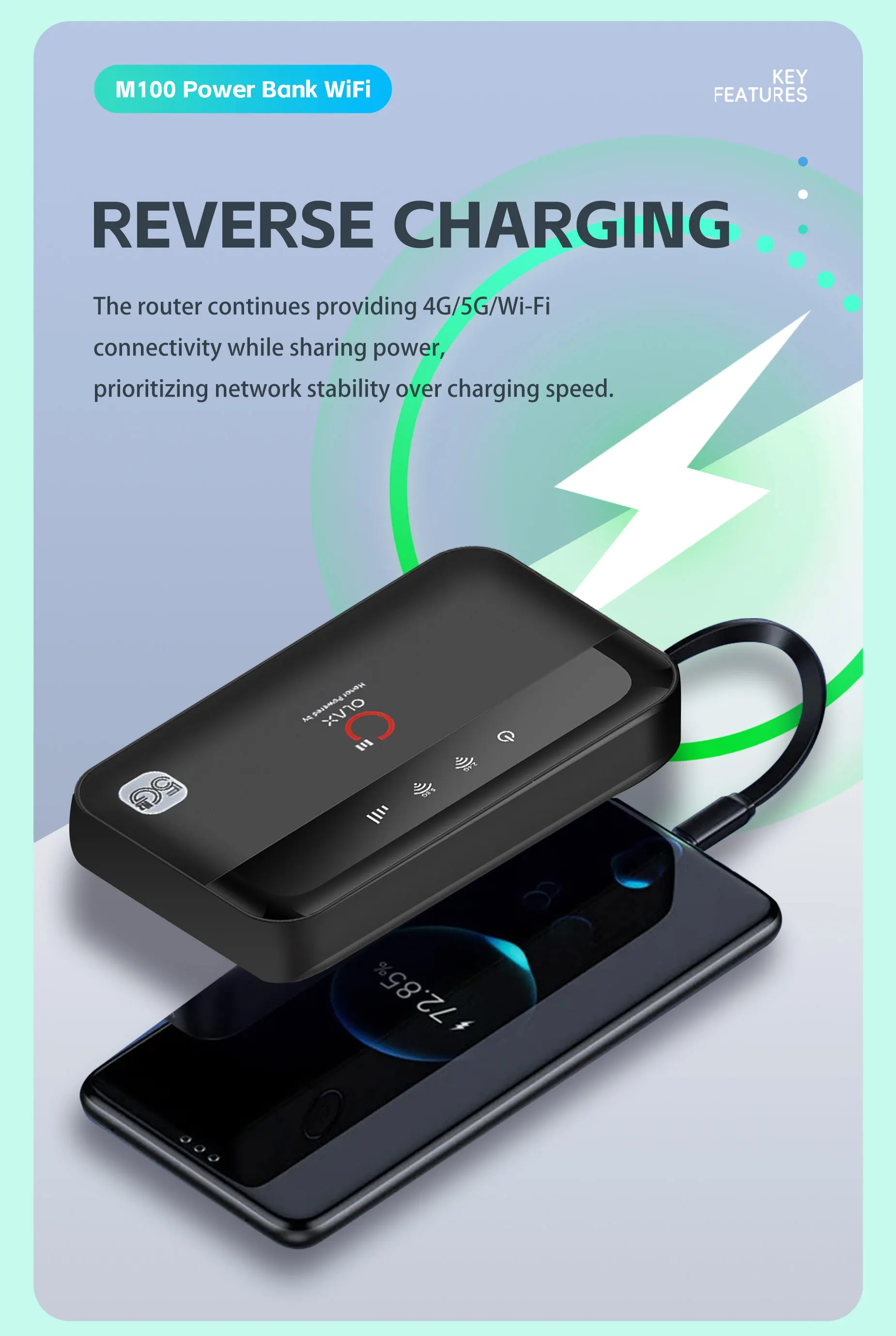
Built-in power bank: With a massive 10,000 mAh battery, the M100 can provide power to other devices, such as your phone, when you’re on the go.
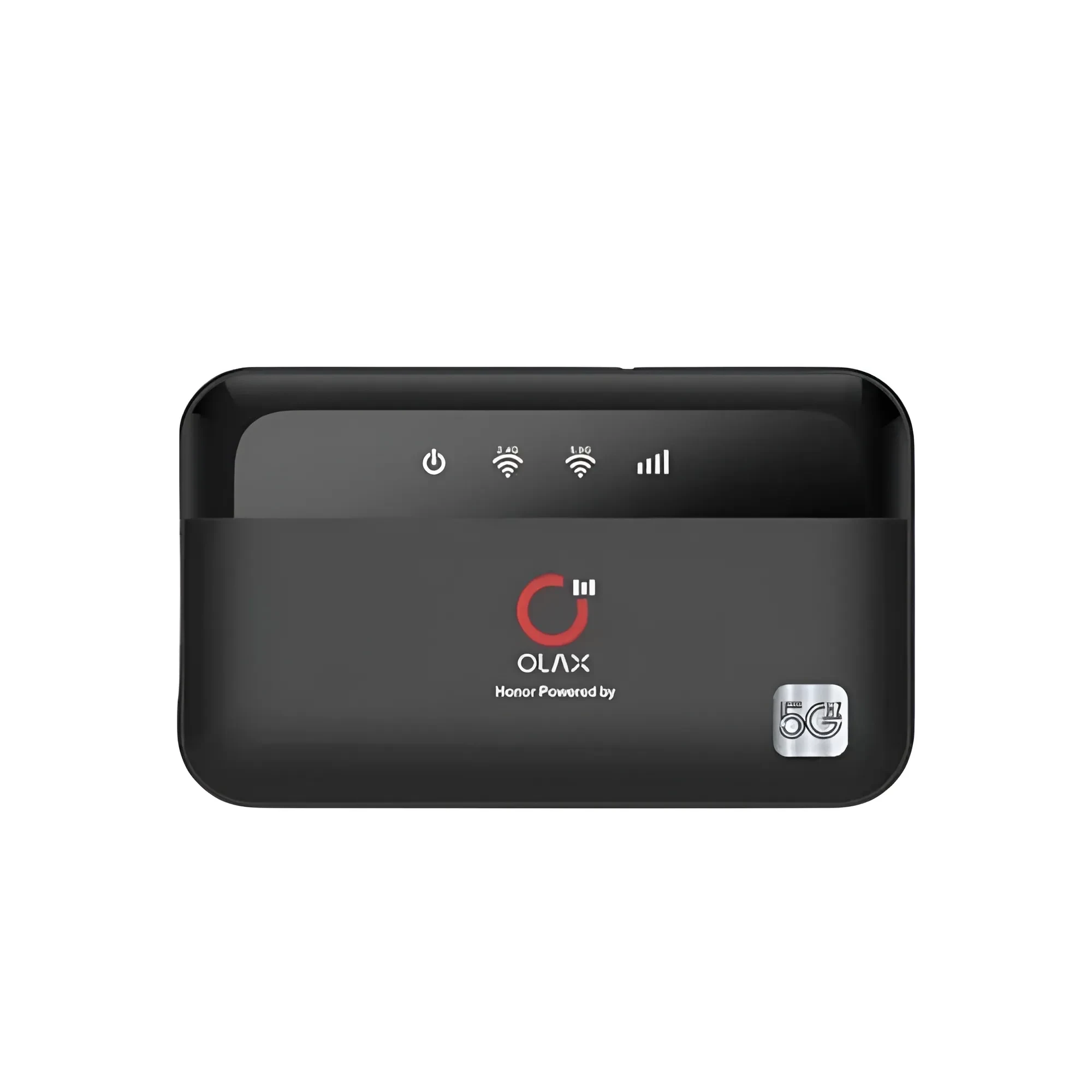
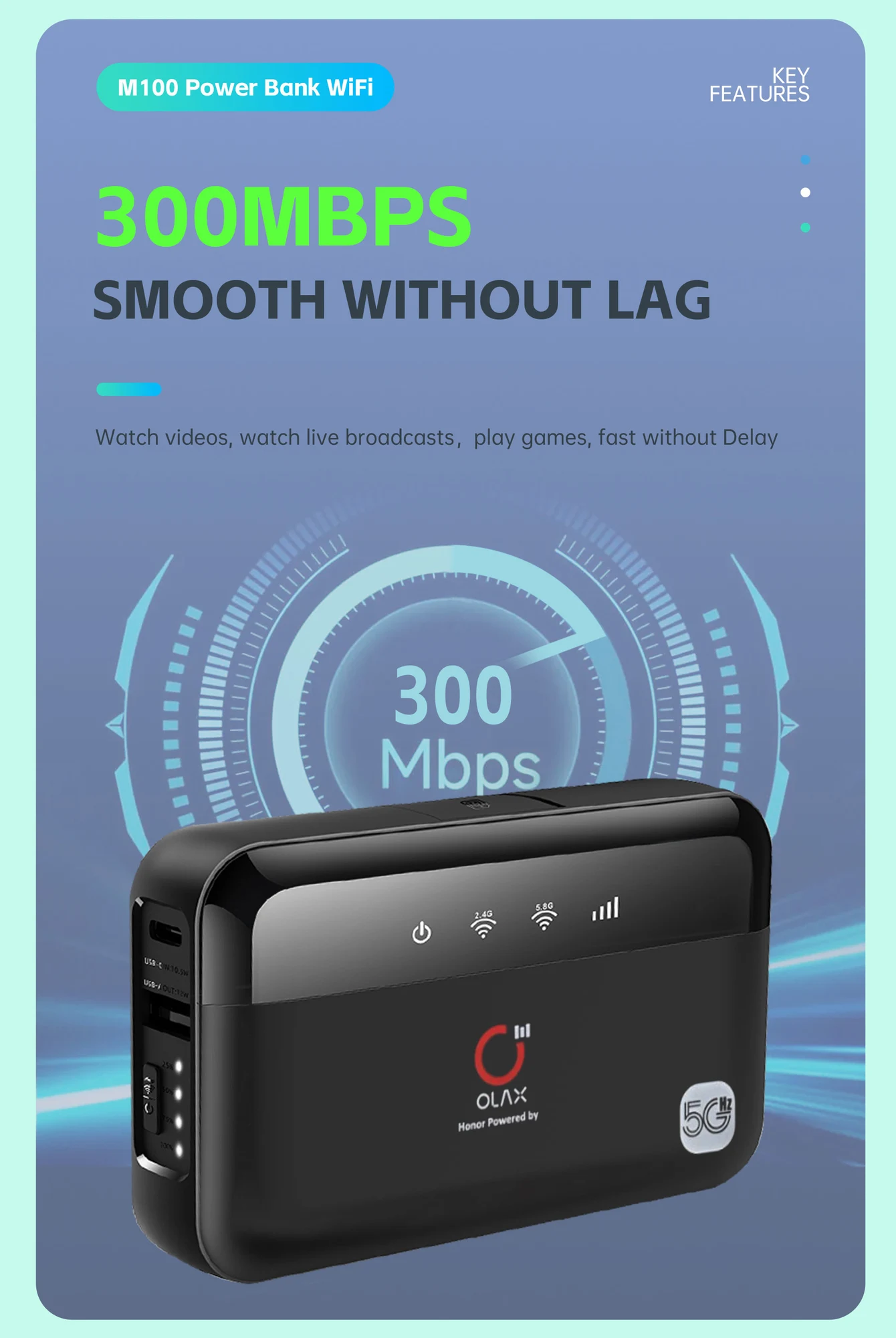
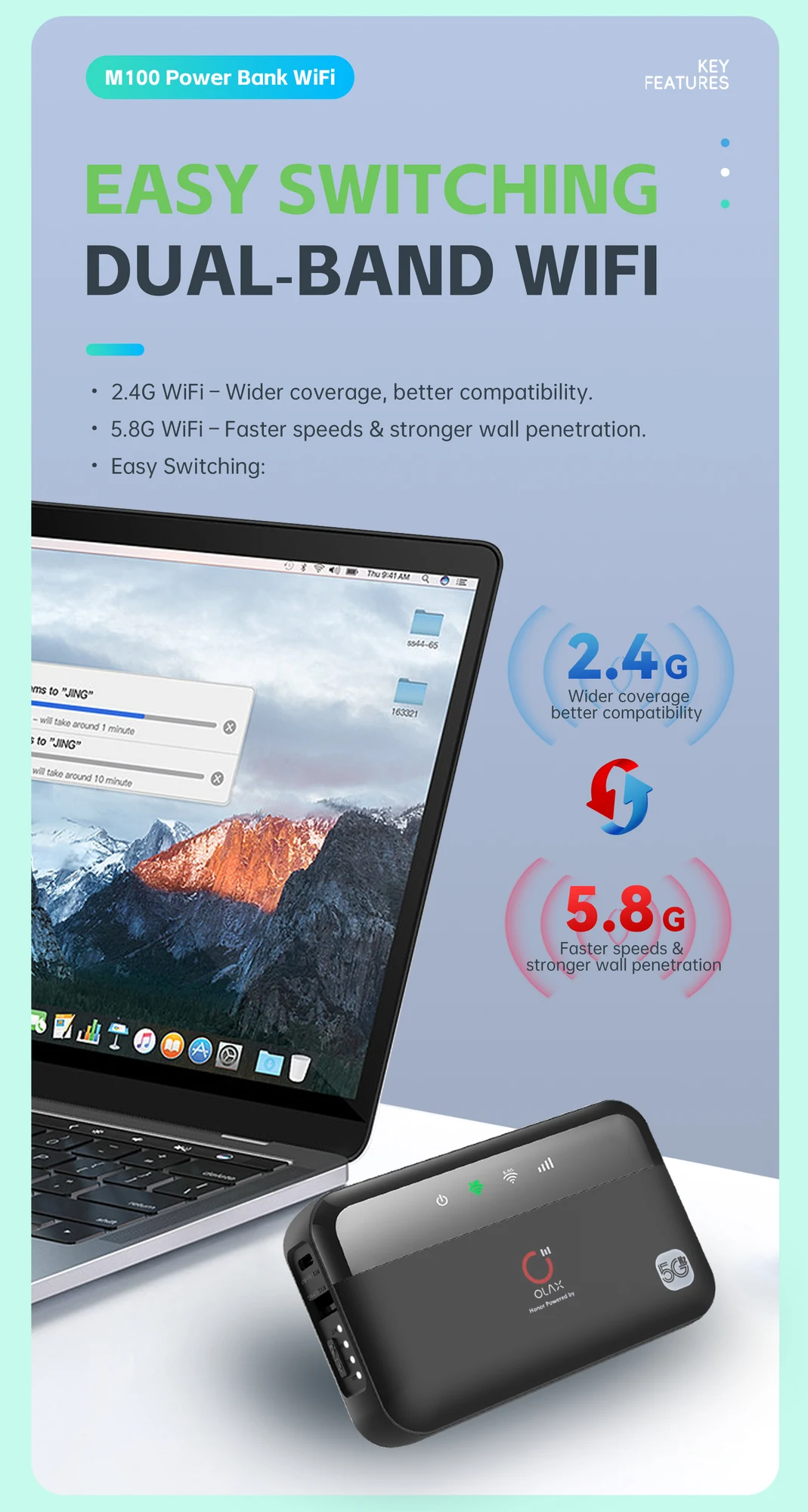
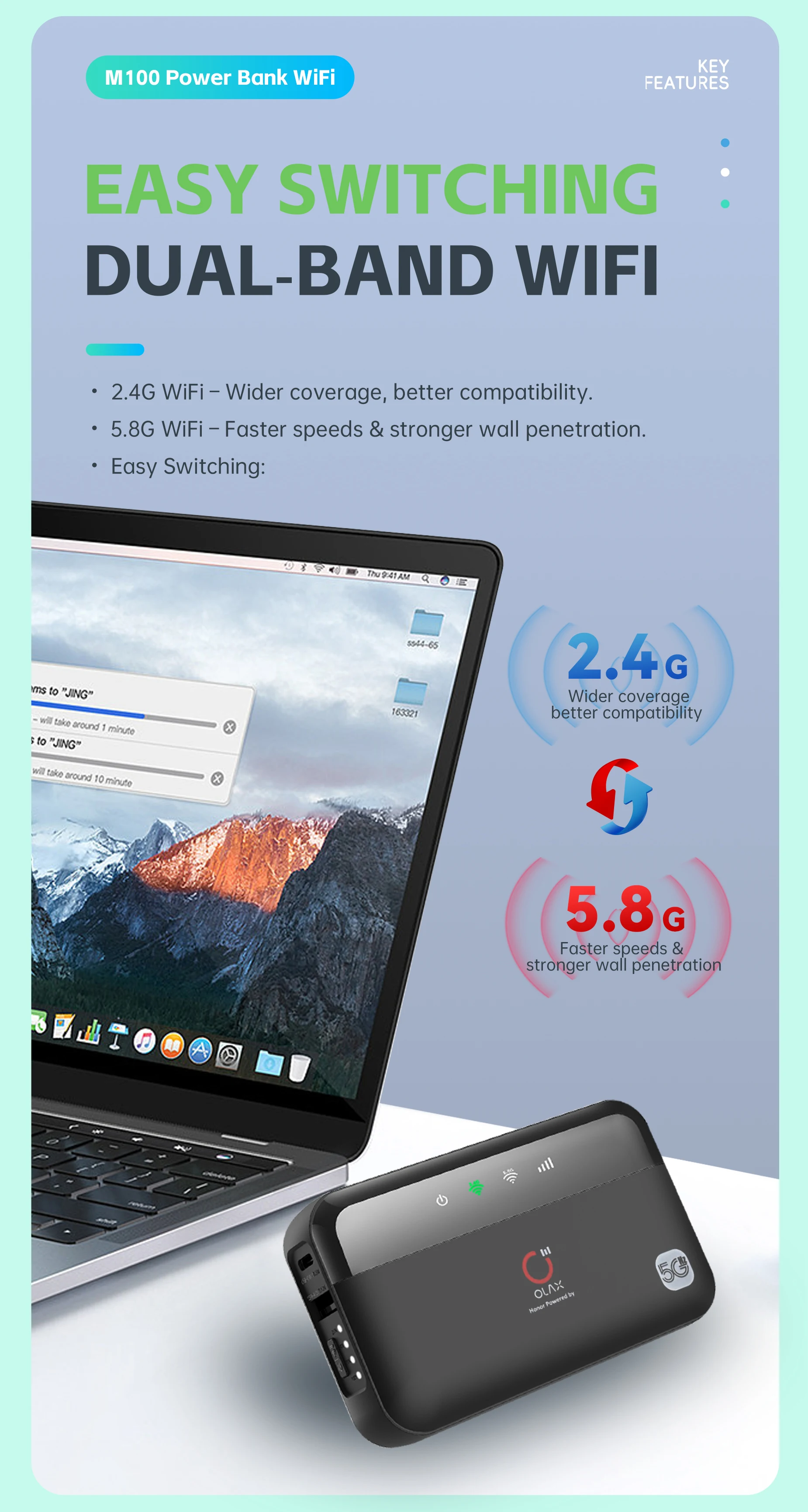
Dual-band Wi-Fi: It supports both 2.4 GHz and 5.8 GHz Wi-Fi frequencies, which can help reduce interference and improve connection stability.
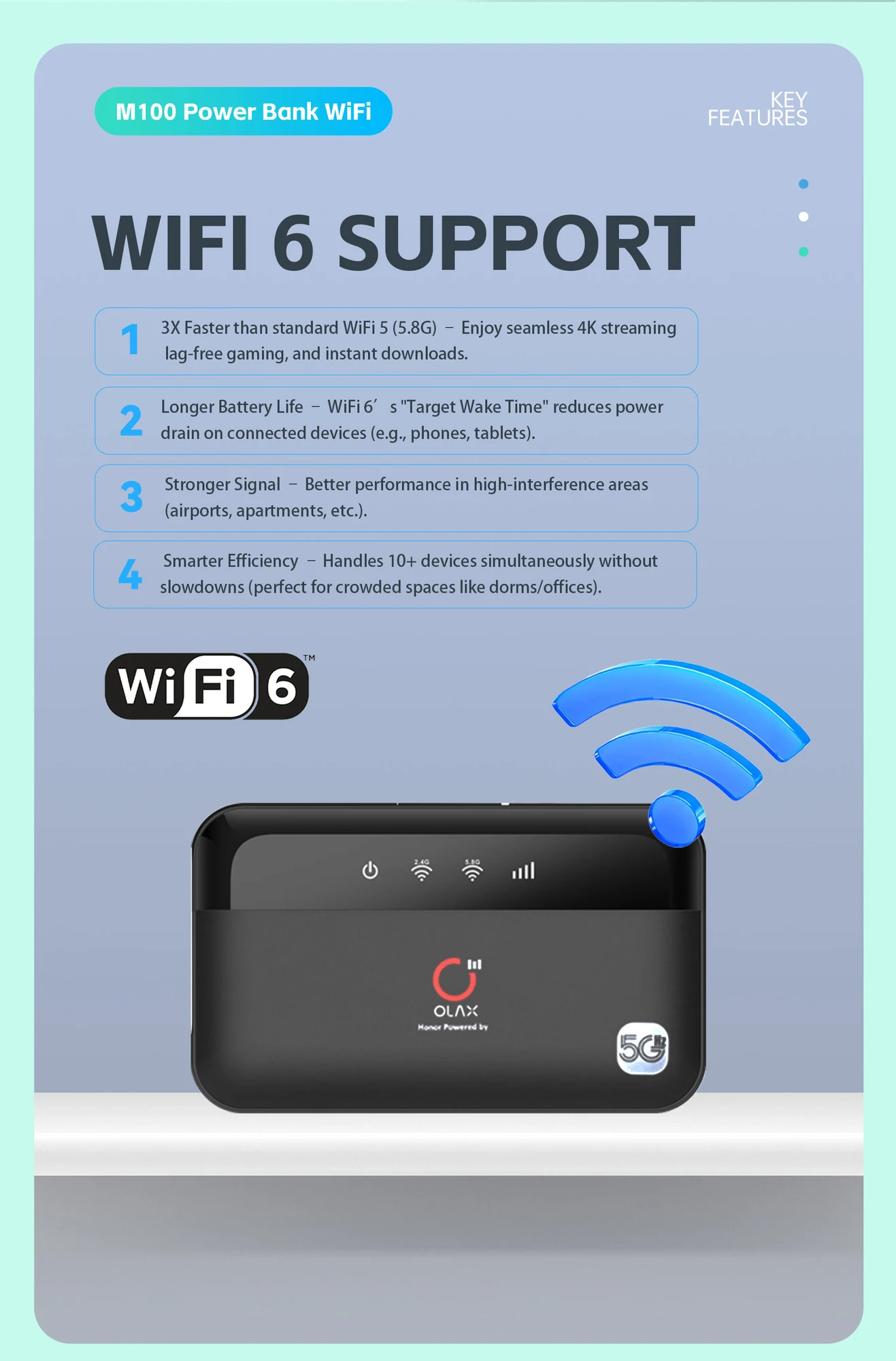
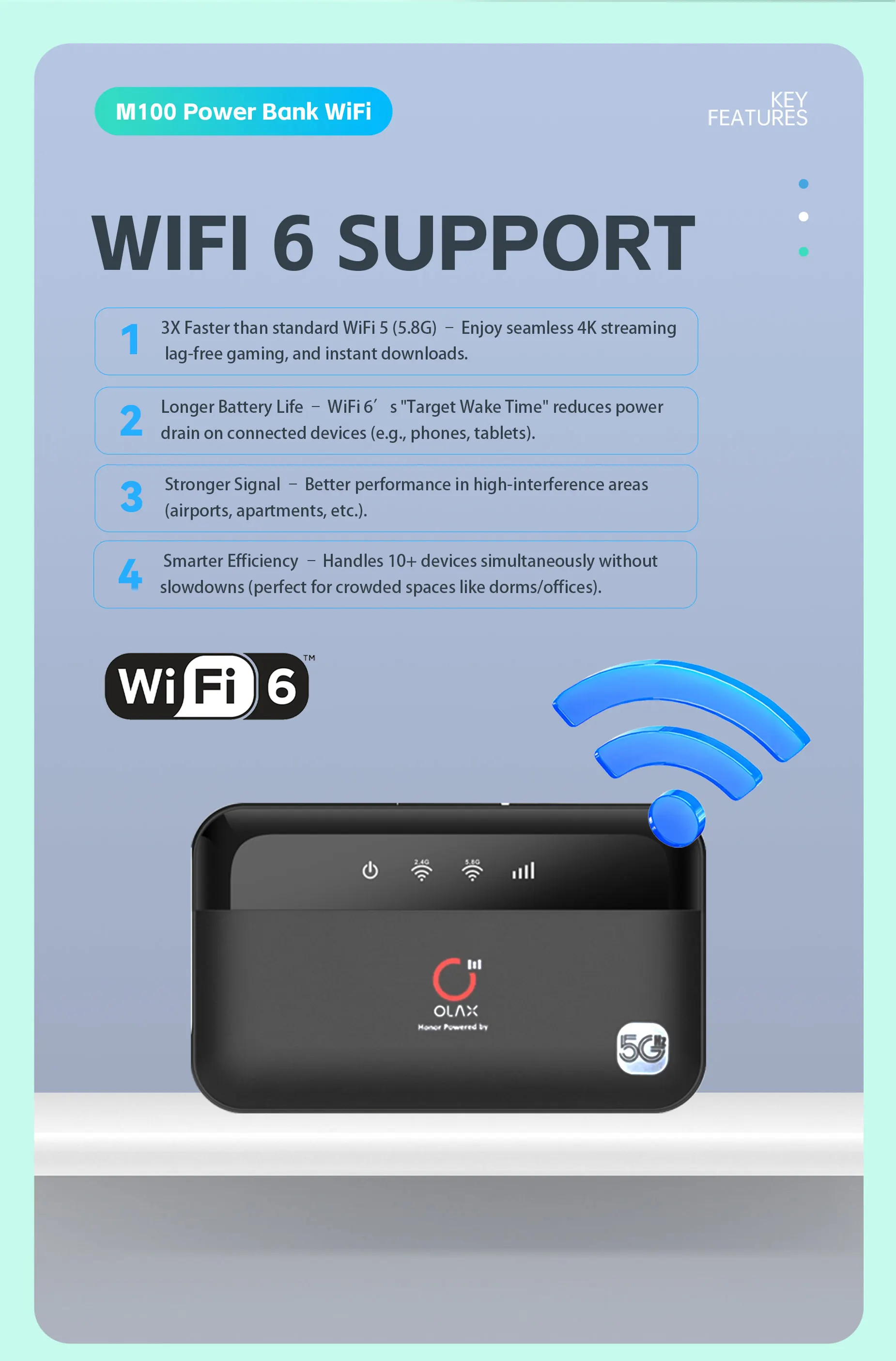
Wi-Fi 6 standard: Newer models appear to support the WiFi 6 (802.11ax) standard for faster and more efficient wireless connectivity.
High user capacity: The device supports up to 16 users simultaneously.
Secure connectivity: This includes firewall and QoS (Quality of Service) functionality, utilizing various encryption types to establish a secure connection.
Convenient charging: The M100 has a USB Type-C charging port.
How to use the Olax M100 :
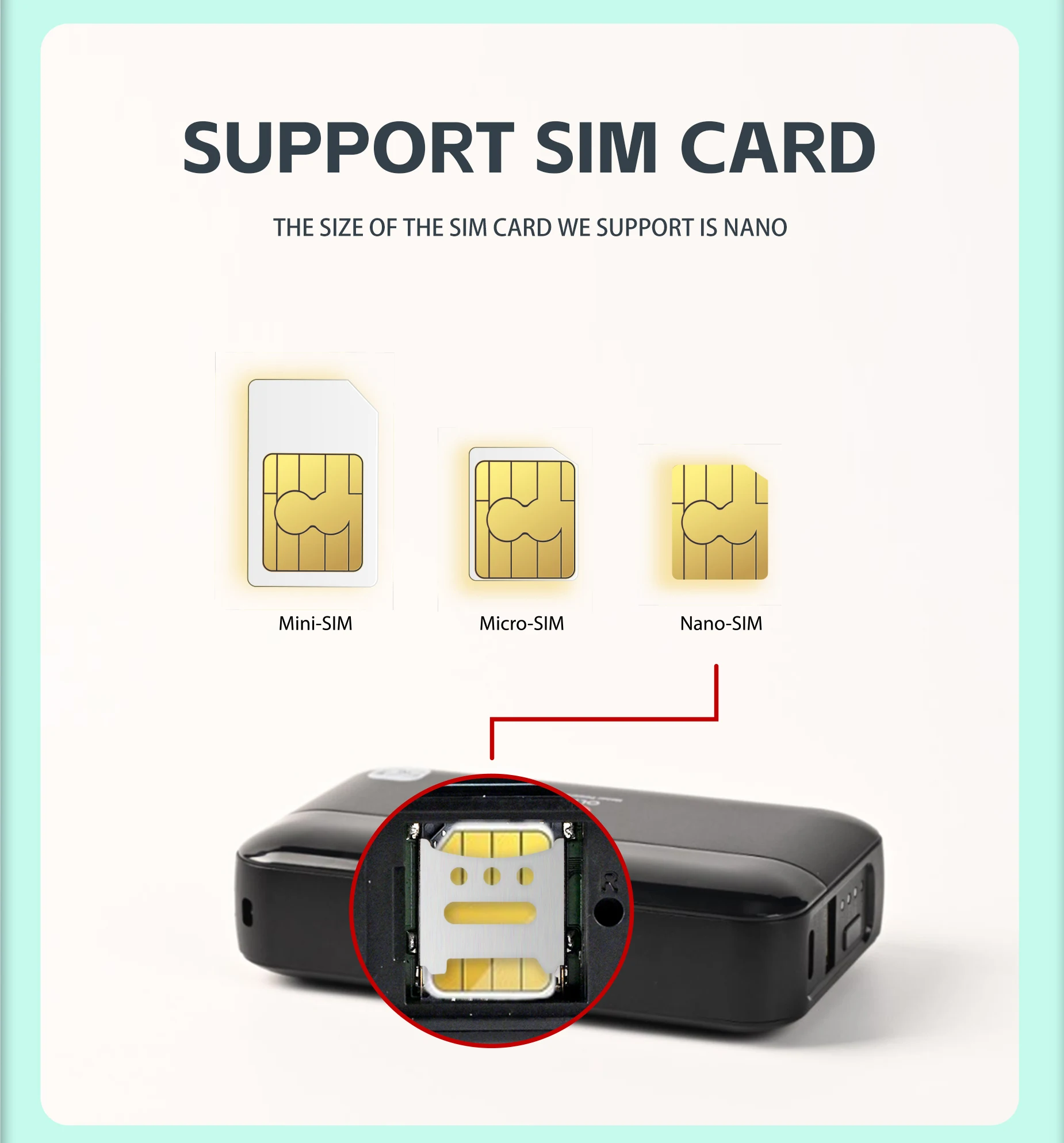
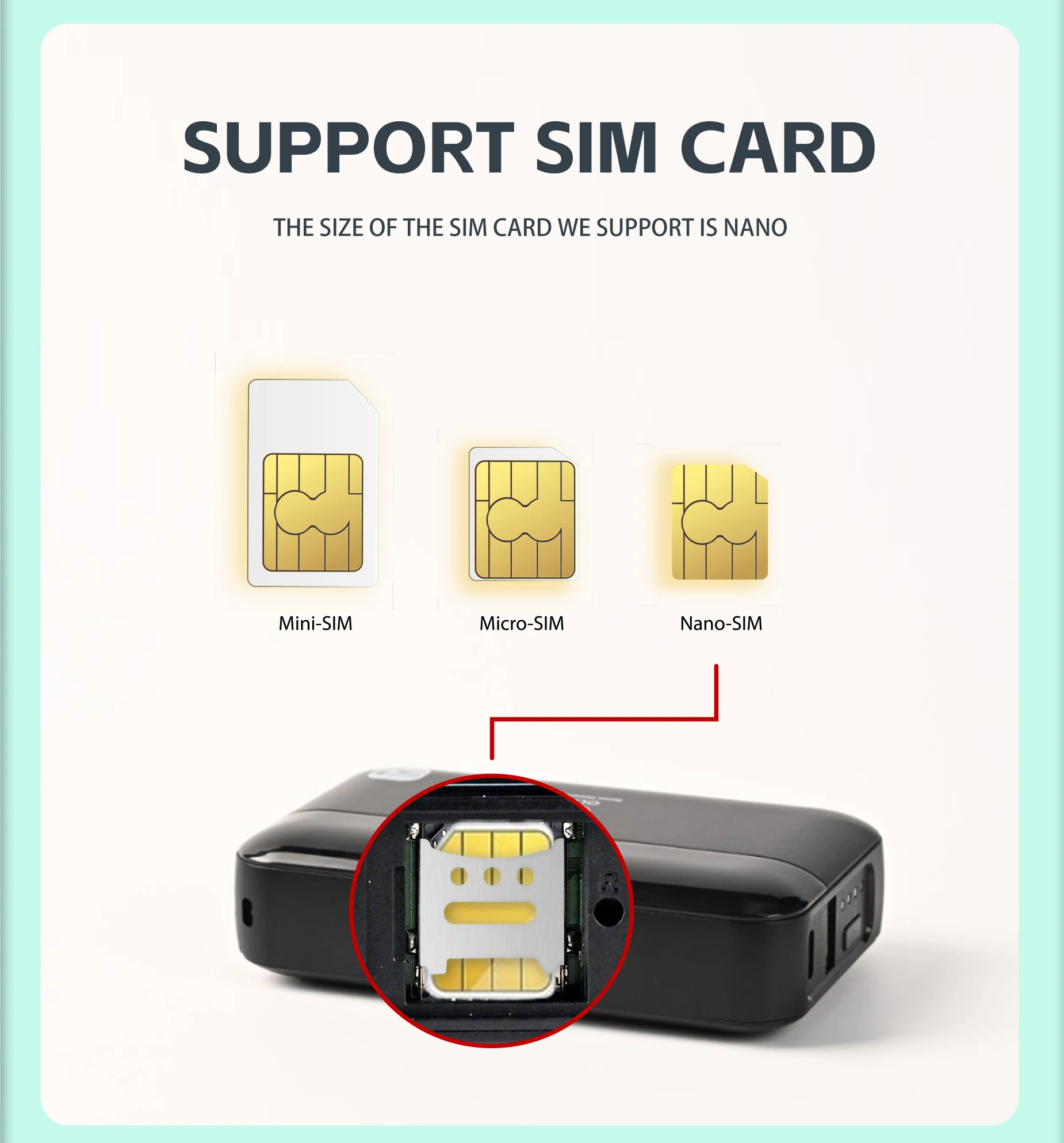
Insert a SIM card: Open the back cover of the device and insert a standard SIM card from your cellular provider.
Power on: Press and hold the power button for about three seconds to turn on the device.
Find network details: The Wi-Fi name (SSID) and password are typically found on a label inside the device, usually near the battery.
Connect devices: Search for the Wi-Fi network name from your computer, phone, or tablet and enter the password to connect.
Manage settings: You can log in to the router’s settings using a web browser to configure the network, change the password, or adjust other parameters.
কেন PikHub থেকে অর্ডার করবেন?
১০০% আসল ও অথেনটিক প্রডাক্ট: আমরা সরাসরি ভেরিফাইড এবং জেনুইন সোর্স থেকে সংগৃহীত অরিজিনাল গ্যাজেট সরবরাহ করি।
দ্রুততম ক্যাশ অন ডেলিভারি: ঢাকা শহরসহ সারা বাংলাদেশে দ্রুততম হোম ডেলিভারি ও নিরাপদ ক্যাশ অন ডেলিভারি (COD) সুবিধা।
চেক করে পেমেন্ট করার নিশ্চয়তা: পার্সেল রিসিভ করার সময় প্রডাক্ট চেক করে মূল্য পরিশোধের সুযোগ।
বিশ্বস্ত বিক্রয়োত্তর সেবা: যেকোনো টেকনিক্যাল বা ওয়ারেন্টি প্রয়োজনে আমাদের ডেডিকেটেড সাপোর্ট টিম সার্বক্ষণিক প্রস্তুত।
Reviews
There are no reviews yet.
Be the first to review “OLAX M100 Pocket Router” Cancel reply

Reviews
There are no reviews yet.